 MAGICTV
Install the beta
Five minutes, once. After that, new beta builds arrive by themselves.
Which TVs: LG TVs from 2020 (webOS 5) and newer. Samsung is coming soon.
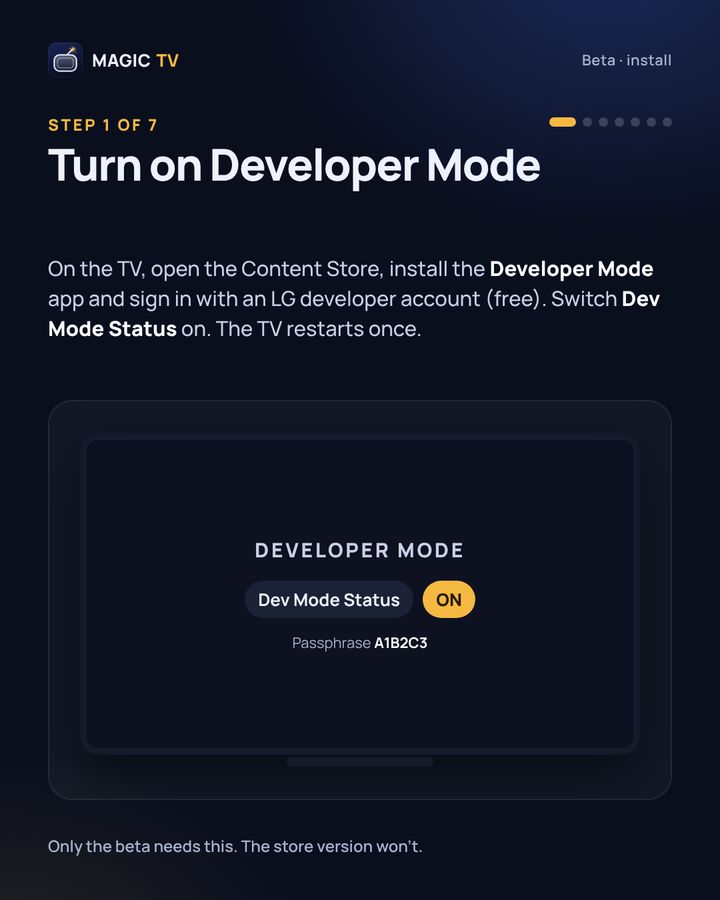
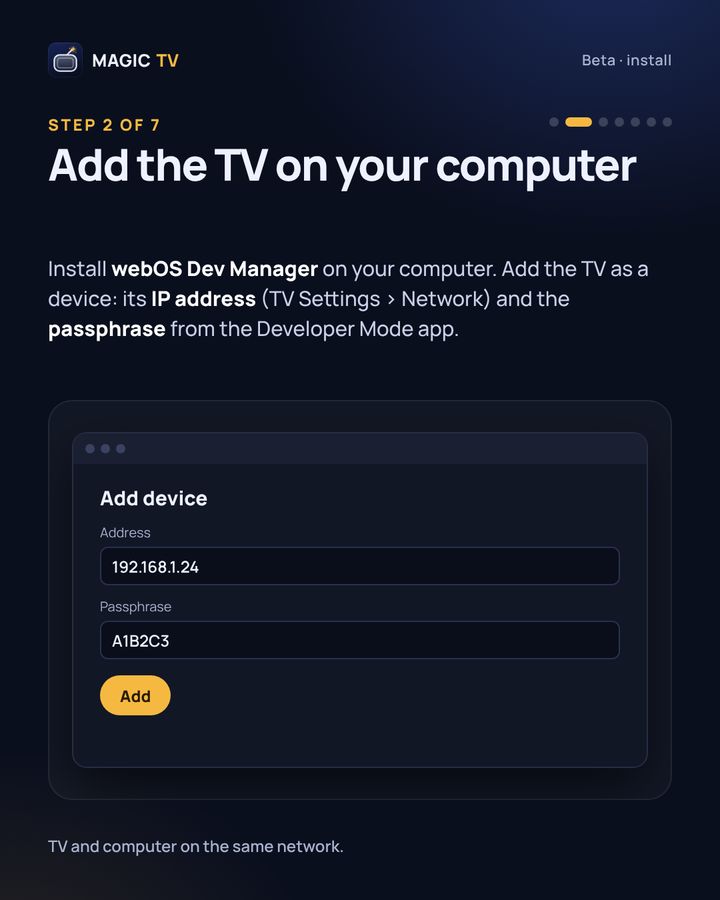
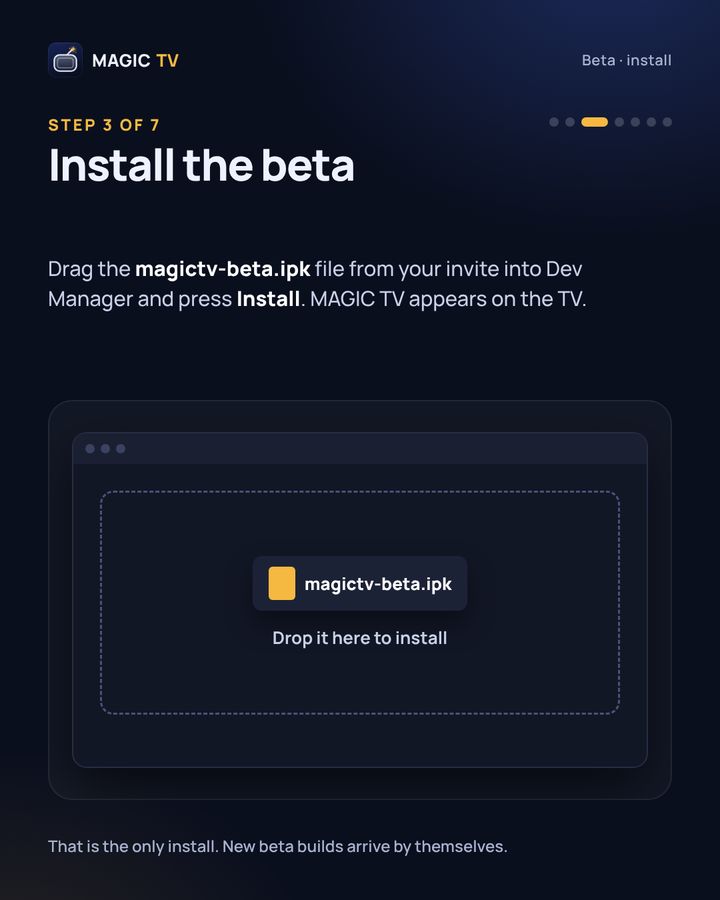
You need: one of those TVs, a computer on the same network, a free LG developer account, and the magictv-beta.ipk file from your invite.
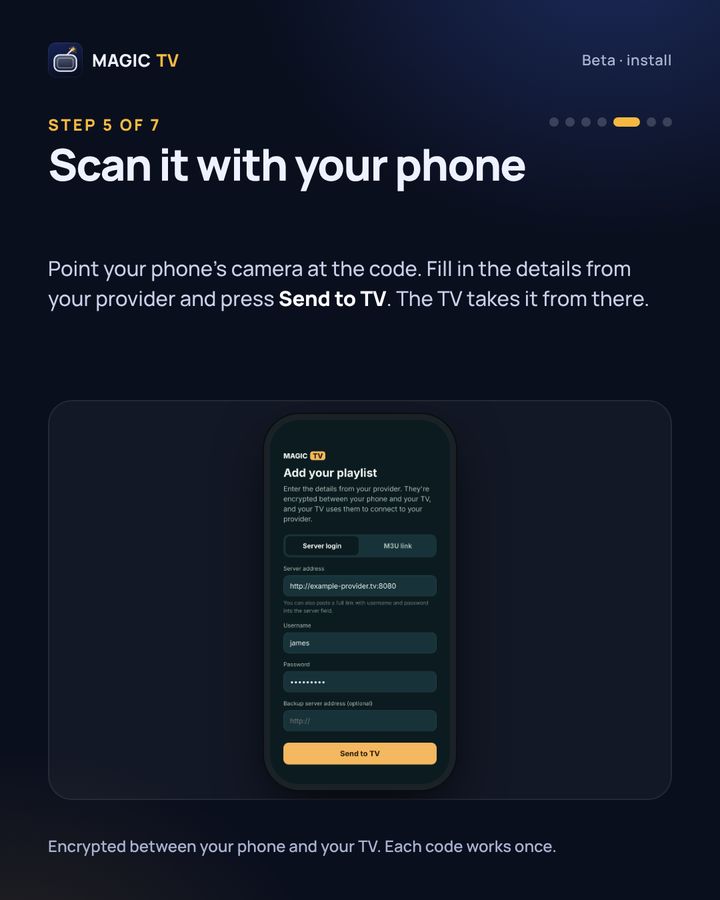
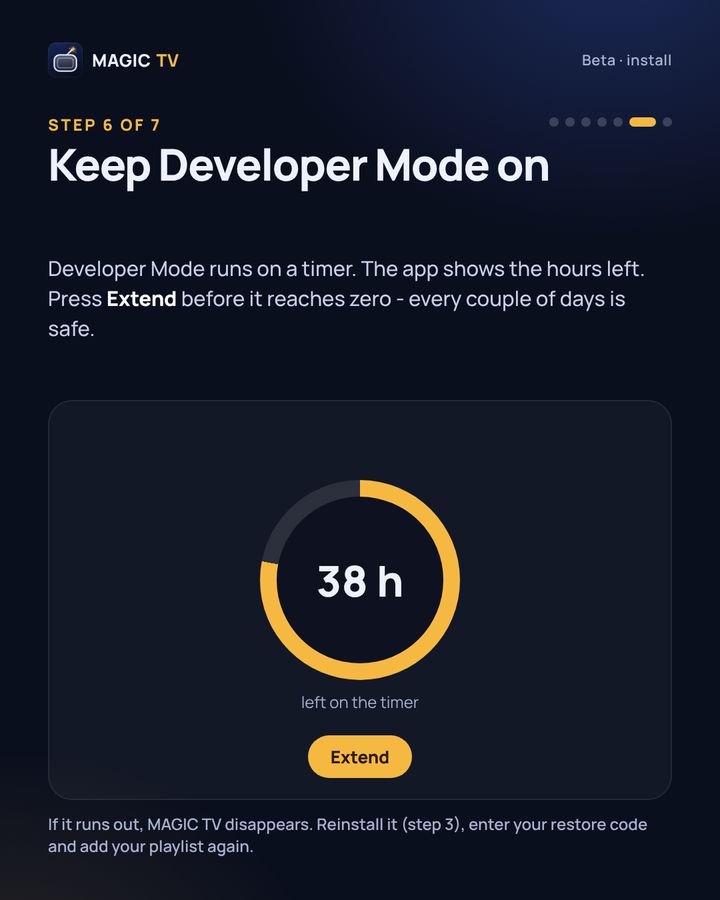
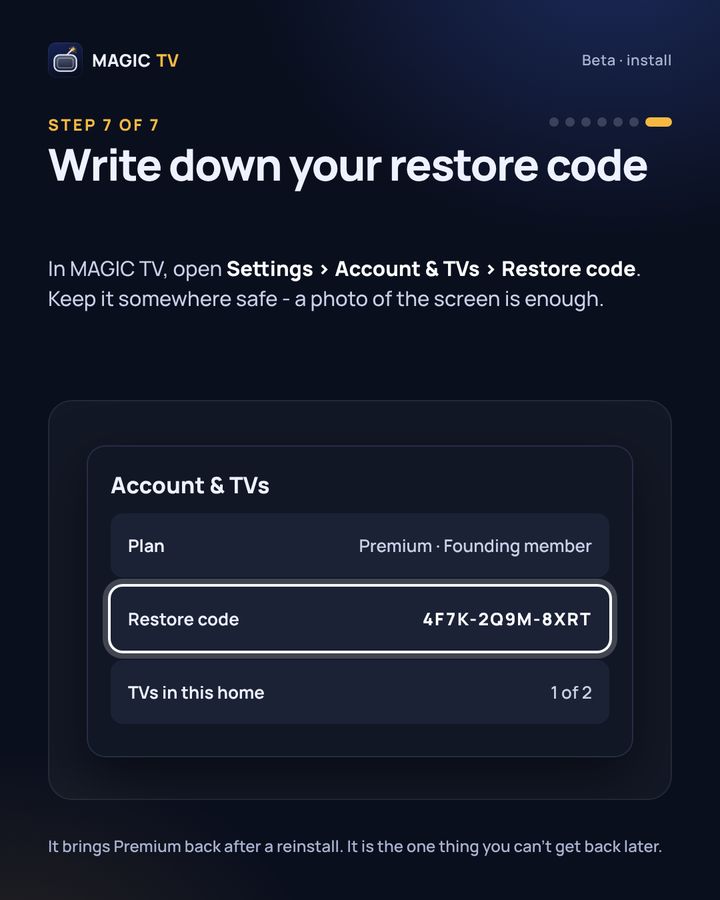
The store version won't need Developer Mode. Questions while you install? Support.